


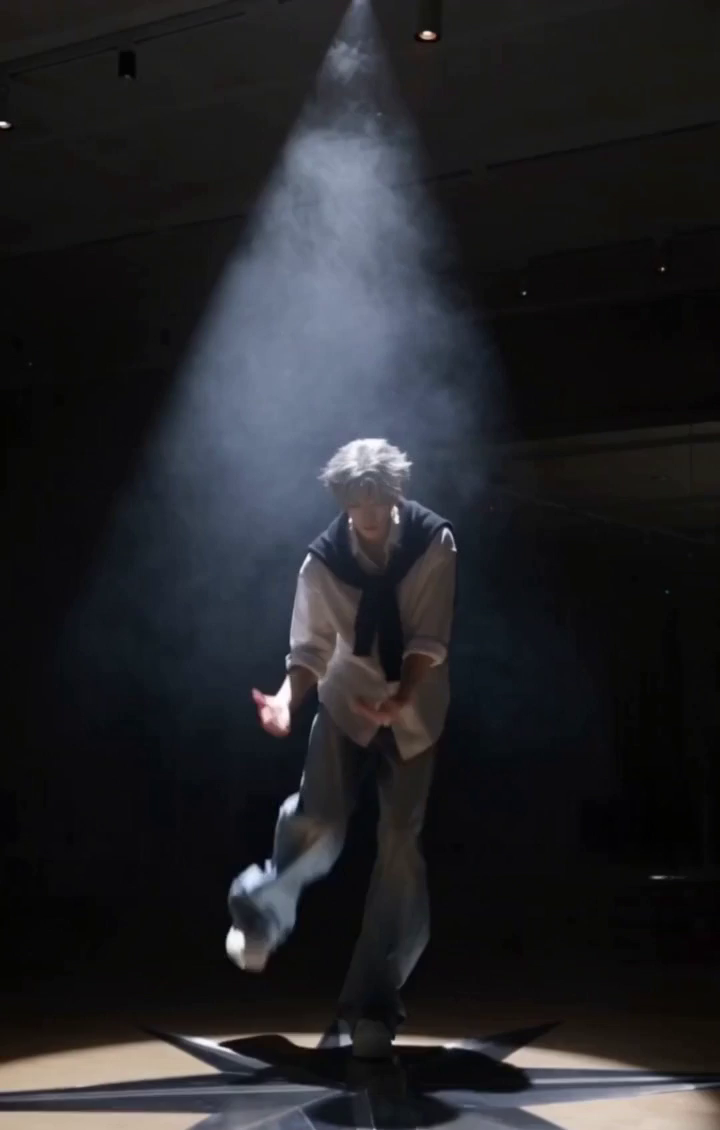
MiniMax H3 responds strongly to cinematographic language. The difference between an average result and a stunning one usually comes down to how the prompt is written. This guide covers the prompt patterns that consistently work.
Lead with the shot type. Open your prompt with the framing — wide establishing shot, medium two-shot, extreme close-up — so the model composes the scene correctly before adding detail. "Extreme close-up of a violinist's fingers" lands better than "a violinist playing music".
Specify the camera movement. H3 understands dolly, pan, tilt, tracking, orbit and crane movements. One movement per prompt works best: "slow dolly-in as she turns toward the window". Stacking multiple camera moves in one prompt tends to produce jittery compromises.
Describe light like a cinematographer. Instead of "well lit", write "warm tungsten light from the left, soft shadows, slight haze in the air". Direction, color temperature and atmosphere words — haze, mist, golden hour — have visible effects on H3 output.
Use lens and depth language. "Shot on 35mm, shallow depth of field, subject in sharp focus, background softly blurred" gives H3 a professional look. For a documentary feel, swap in "handheld camera, slight motion blur".
Structure longer prompts in a consistent order: shot type, subject and action, camera movement, lighting, mood. This mirrors how the model attends to instructions and reduces the chance of a beautifully-lit but wrongly-framed shot.
Test these patterns yourself in the MiniMax H3 generator — iterate on the same scene with different camera and lighting descriptions and watch how precisely H3 follows the direction.