


Generate Your Video
Fast Generation
Click or drop image here
Supports JPG/JPEG/PNG images under 20MB
Image to Video may have no sound. This has a certain probability.
Ready to Create Your Video
Your Generated Content
Explore Videos Created with Veo 3
Watch examples of AI-generated videos featuring synchronized audio, showcasing Veo 3's powerful capabilities.

"It's crazy how #Veo3 delivers insane results in text-to-video 🤯🎬 And every time, the voice quality blows me away — smooth, natural, just wow 🔊🔥" - #Veo3

Veo 3, prompt: "a person walks inside of an incredible futuristic city. The person comments out loud on what he sees, and what surprises him the most" #veo3

#Veo3 further blurs the lines between reality and imagination with audio, stronger text adherence, and richer visual details.
What is Veo 3?
Veo 3 is the latest state-of-the-art video generation model, designed to empower filmmakers and storytellers with revolutionary audiovisual capabilities.
Native Audio Generation
Add sound effects, ambient noise, and even dialogue to your creations – generating all audio natively within the veo3 video creation process.
| Prompt | output veo3 video |
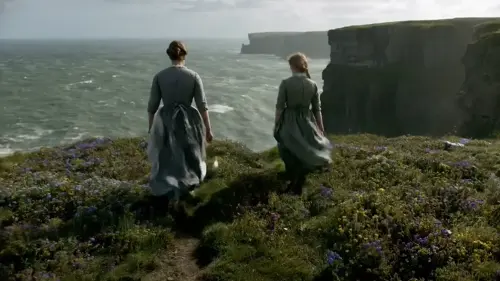
| In rural Ireland, circa 1860s, two women, their long, modest dresses of homespun fabric whipping gently in the strong coastal wind, walk with determined strides across a windswept cliff top. The ground is carpeted with hardy wildflowers in muted hues. They move steadily towards the precipitous edge, where the vast, turbulent grey-green ocean roars and crashes against the sheer rock face far below, sending plumes of white spray into the air. |
|
| A keyboard whose keys are made of different types of candy. Typing makes sweet, crunchy sounds. Audio: Crunchy, sugary typing sounds, delighted giggles. |

|
| A snow-covered plain of iridescent moon-dust under twilight skies. Thirty-foot crystalline flowers bloom, refracting light into slow-moving rainbows. A fur-cloaked figure walks between these colossal blossoms, leaving the only footprints in untouched dust. |

|
Unmatched Visual Quality
Delivers best-in-class veo3 videos quality, excelling in physics simulation, cinematic realism, and prompt adherence for professional-grade results.
| Prompt | output veo3 video |
| A fast-tracking shot through a futuristic city with buildings made from reflective organic chrome. It is daytime, rainbows fill the sky, and an alien planet looms above. The camera zooms in on a robotic bee working inside a reflective organic chrome structure. |

|
| A paper boat sets sail in a rain-filled gutter. It navigates the current with unexpected grace. It voyages into a storm drain, continuing its journey to unknown waters. |

|
Reference to Video and Consistent Characters
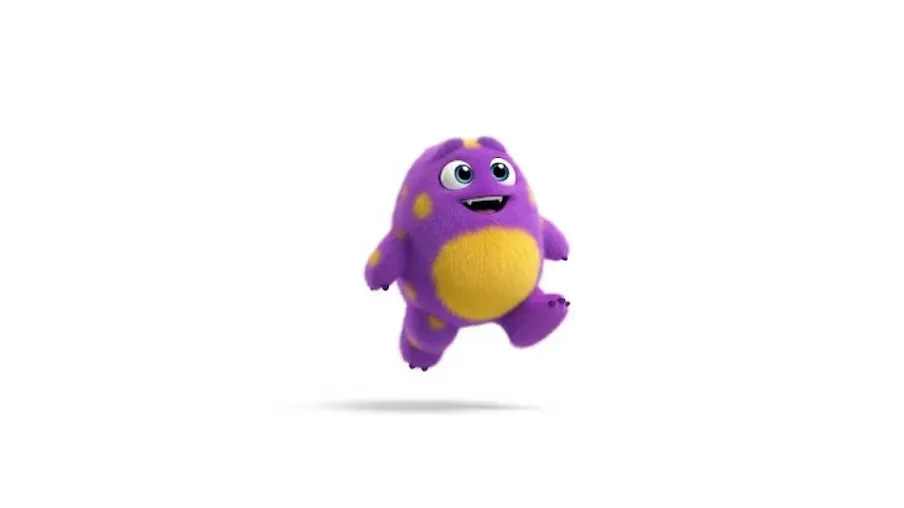
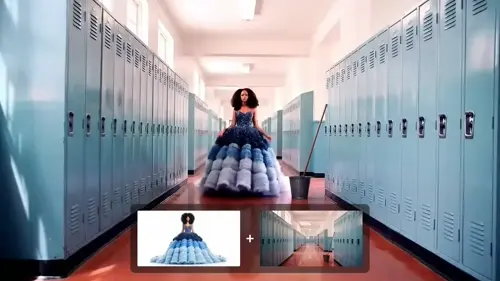
Veo 3 supports reference-powered videos generation, allowing users to provide images of characters, scenes, objects, or artistic styles as visual anchors for the AI. This ensures that characters and elements remain visually consistent across multiple clips or scenes.
| Input | output veo3 video |
 |

|
|
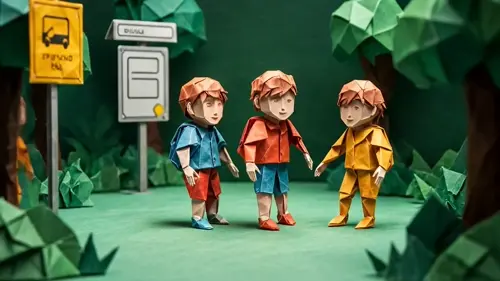
Accurate Style Control
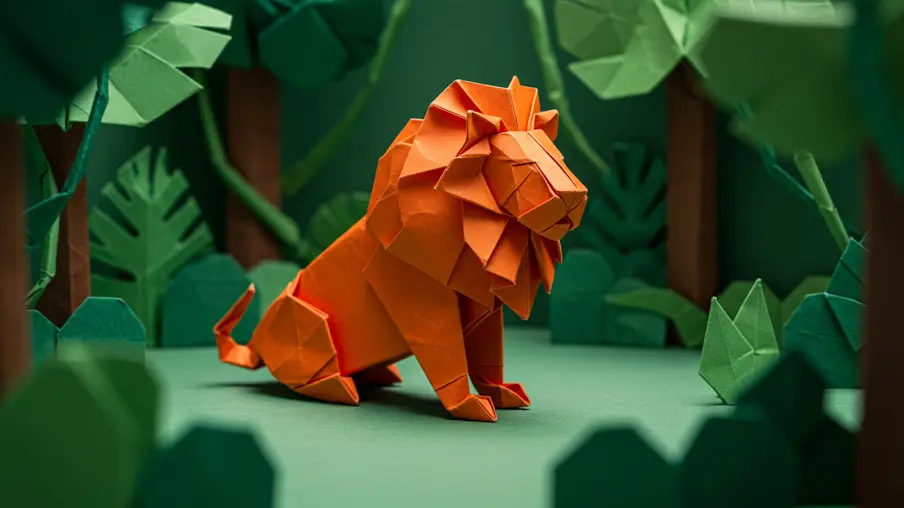
By using reference images or style prompts, Veo 3 lets creators control the artistic style of the video output. Whether you want a photorealistic look, a cartoonish animation, or a particular cinematic style, you can guide the AI's rendering to match your vision by uploading a style reference image.
| Input | output veo3 video |
 |
|
Creative Empowerment
Transforms storytelling capabilities with integrated tools that bridge the gap between imagination and production-ready veo3 video content.
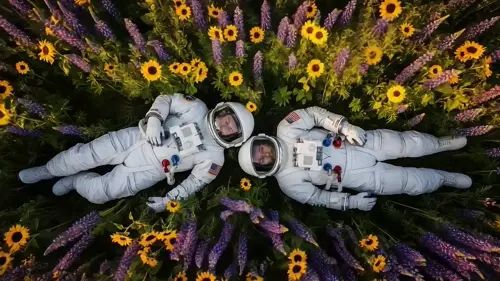
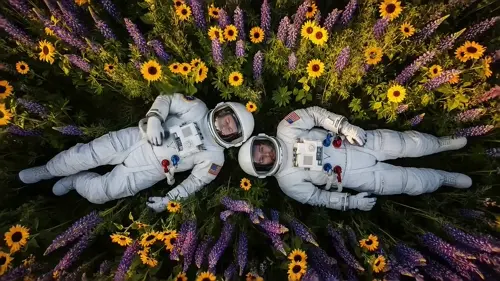
| Camera movement | output veo3 video |
| Pan |
|
| Zoom |
|
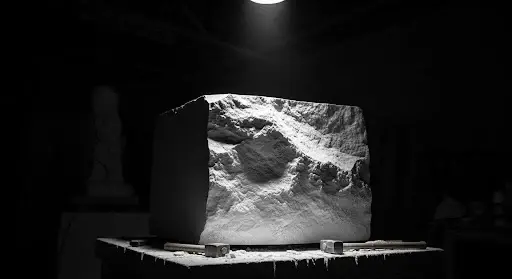
First and Last Frames
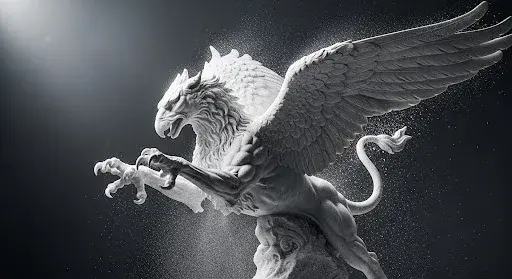
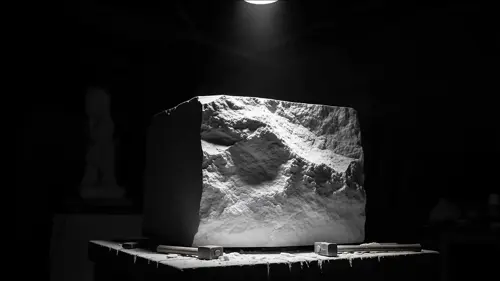
Veo 3 can generate seamless videos content between two uploaded frames. This ensures smooth transitions and continuity from the first to last frames of a sequence, which is essential for coherent storytelling.
| Input | output veo3 video |
  |
|
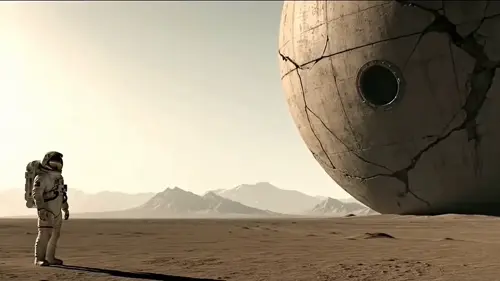
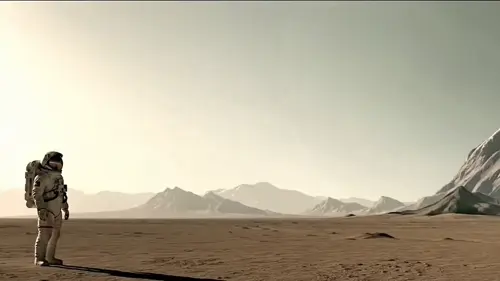
Add and Remove Objects
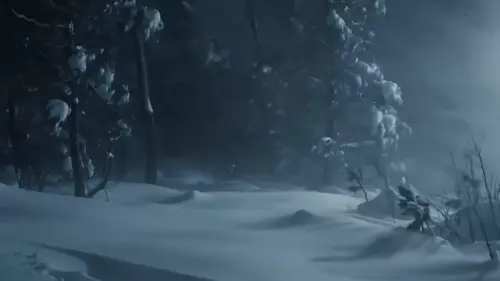
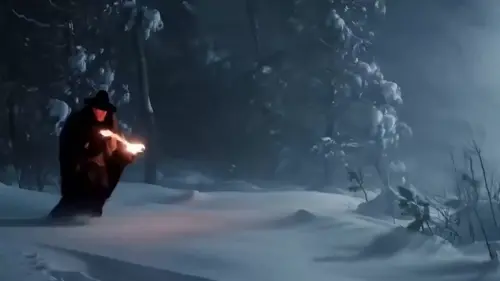
Veo 3 includes powerful object manipulation capabilities. Users can add or erase objects within a video scene, and the AI understands the scale, shadows, and interactions of these objects with the environment. This means you can modify a generated video by inserting new props or removing unwanted elements while maintaining a natural, realistic look.
| Input video | output veo3 video |
|
|
|
|
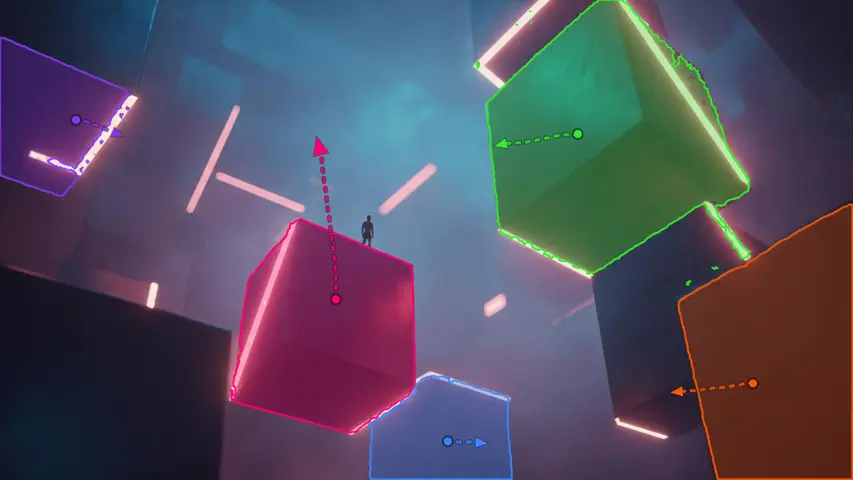
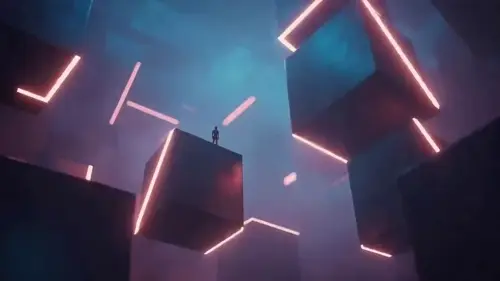
Flexible Motion Control
Veo 3 excels at producing realistic and consistent motion. It allows you to specify movements of the objects in your vid, and they will move naturally and interact believably. You can use this to produce fluid character animation, and coherent movement of environmental elements like fabric or water.
| Input | output veo3 video |
 |
|
Key Features of Veo 3
Revolutionizing vid creation with AI-powered, high-fidelity veo 3 vid generator and beyond.

Audio-Visual Generation
Automatically create vid with synchronized audio, including environmental sounds, dialogue, and music with precise lip-syncing.

4K Cinematic Quality
Produce 4K resolution vid with physics-accurate simulations of light, textures, and motion for film-grade output.

Designed for greater control
Adjust camera movements (pan/zoom/track), edit scenes dynamically, and extend veo 3 videos sequences seamlessly via Flow platform.Veo 3 features improved prompt adherence, following a series of actions and scenes with greater accuracy.

Multimodal Input Support
Generate videos from text prompts, static images, or veo 3 videos clips while understanding professional cinematography terminology.

Ethical & Secure Infrastructure
Integrated SynthID watermarking and content moderation to prevent misuse, with copyright-aware generator.

Professional-Grade Applications
Optimized for film production, advertising campaigns, and educational content with 10x efficiency gains.
Why Choose Veo 3
Re-designed for greater realism
Greater realism and fidelity, including 4k output and Veo 3's real world physics and audio.
Follows prompts like never before
Improved prompt adherence, meaning more accurate responses to your instructions.
Improved creative control
New capabilities to achieve new levels of control, consistency, and creativity.
How to Launch with Veo 3
Log In
Login an google account to access Veo 3.
Enter Your Prompt & Customize Audio
Type a text description or upload images to describe the veo 3 video you want. Add instructions for sound effects, dialogue, or ambient noise to enhance your veo3 video.
Generate and Review
Let Veo 3 create your videos, then preview and download your AI-generated clip.
YouTube Videos About Veo 3
FAQs
What is Google Veo 3?
Veo 3 is Google DeepMind's latest AI video generation model that can create high-quality videos from text or images prompts, with enhanced character consistency, style and camera control. Read our review of Veo 3 to know our personal experience with this model.
How does Veo 3 differ from its predecessor Veo 2?
Unlike Veo 2, Veo 3 generates native audio along with video, offers improved video quality with realistic physics, better lip-syncing, and enhanced understanding of complex narrative prompts.
What platforms and subscriptions provide access to Veo 3?
Veo 3 is available to U.S. users via the Google AI Ultra subscription plan ($249.99/month) through the Gemini app and Flow. It is also accessible to enterprise users via Google's Vertex AI platform.
How does Google ensure ethical use of Veo 3-generated content?
All Veo 3 videos include invisible SynthID watermarks that identify the content as AI-generated, helping combat misinformation and promote transparency.